
Chrome extension · Google Docs & Sheets
Type like a human,
hands-free.
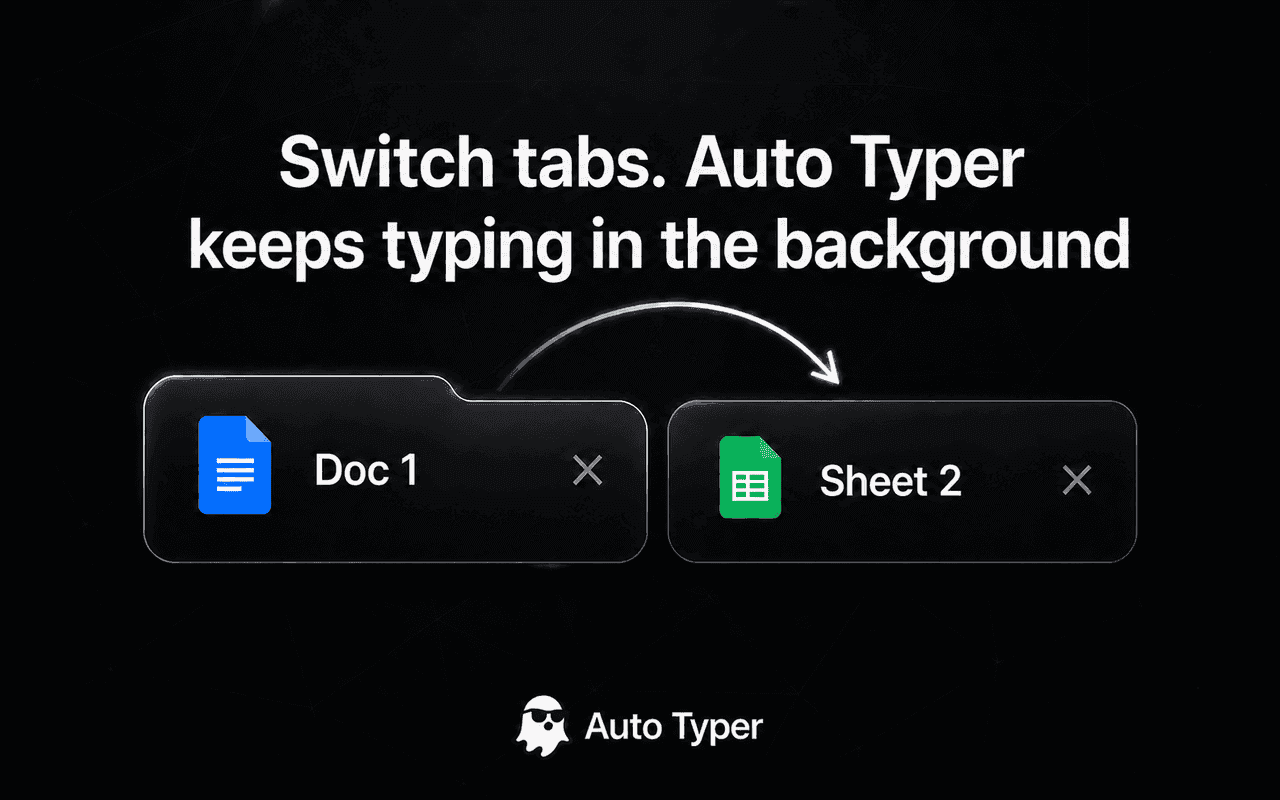
Paste your text and Auto Typer writes it into Google Docs at a natural, human pace — with realistic rhythm and pauses. It even keeps typing after you switch tabs.
See it in action
Watch Auto Typer write a full document, hands-free.
Everything you need to type, automatically
A focused typing assistant for Google Docs and Sheets — fast to set up, easy to control.
Natural, human rhythm
Realistic per-key timing, thinking pauses, and occasional self-corrections — not a robotic constant stream.
Keeps typing off-tab
Switch to another tab or app and Auto Typer keeps going in the background. No need to babysit it.
Multi-block typing
Queue several blocks of text and place each one exactly where it belongs in your document.
Your pace, your way
Dial in words-per-minute and accuracy. Fast when you want it, measured when you don’t.
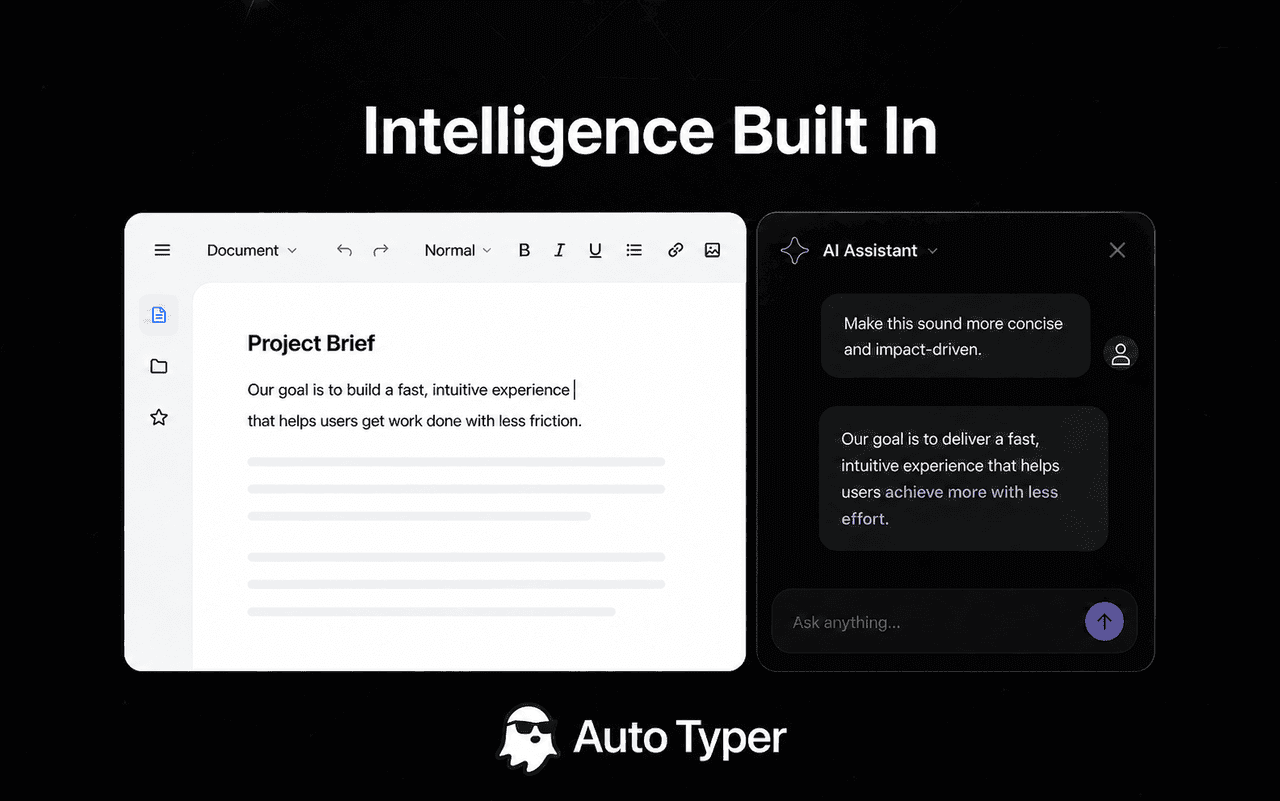
Built-in AI chats & prompts
Open ChatGPT, Claude, or Gemini in the side panel and save reusable prompts you trigger with “//”.
Pause, resume, stop
Full control while it runs — pause and pick up exactly where you left off, even after a restart.
Up and running in seconds
Pin the extension
Add Auto Typer to Chrome and pin it. Open the side panel from any Google Doc.
Paste your text
Drop in what you want typed, set your pace and accuracy, and choose single or multi-block.
Press Start
Click into your document and hit Start. Switch tabs if you like — it keeps typing.
Less typing. More done.
Add Auto Typer to Chrome and let it handle the keystrokes.